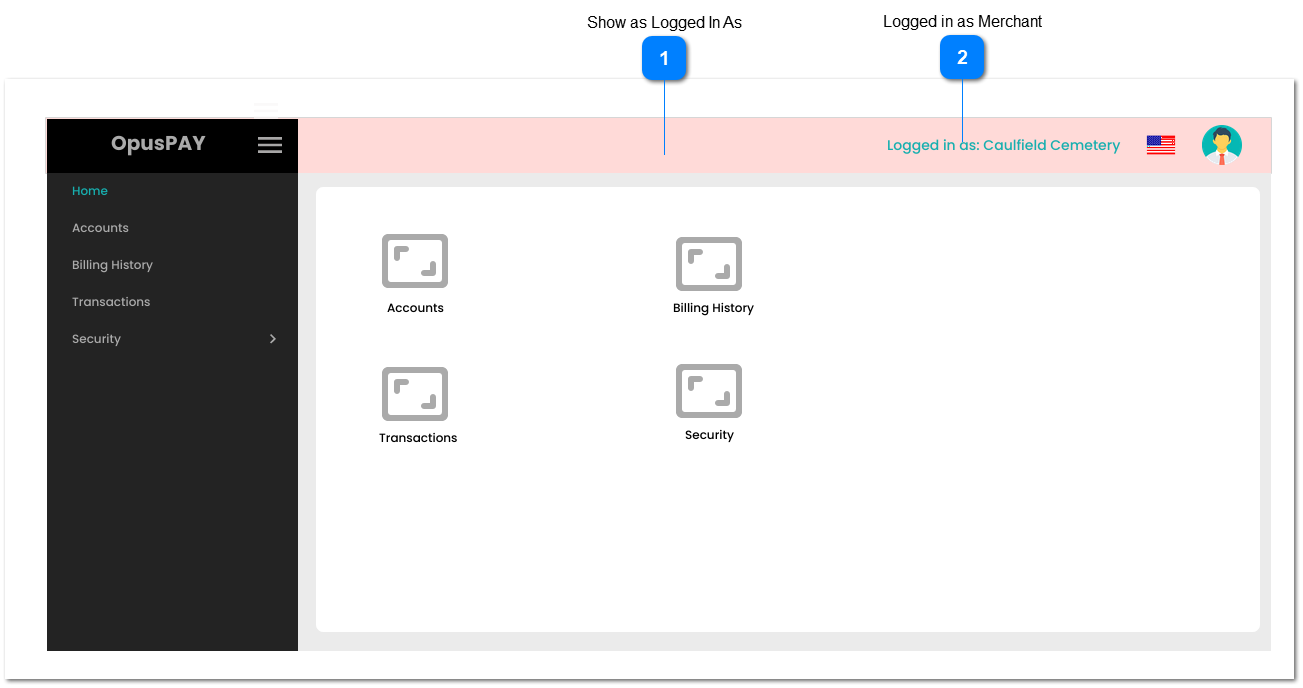
When logged in as a Merchant, user has READ ONLY access to all functionality in the Merchant Portal. They cannot make any changes.
Show as Logged In As
Change colour of top border while Logged in as Merchant to make it clear that OpusPAY Admin is logged in as a merchant. Colour should be distinctive enough to make this very obvious, but also still look good. Colour used here is open to be changed.