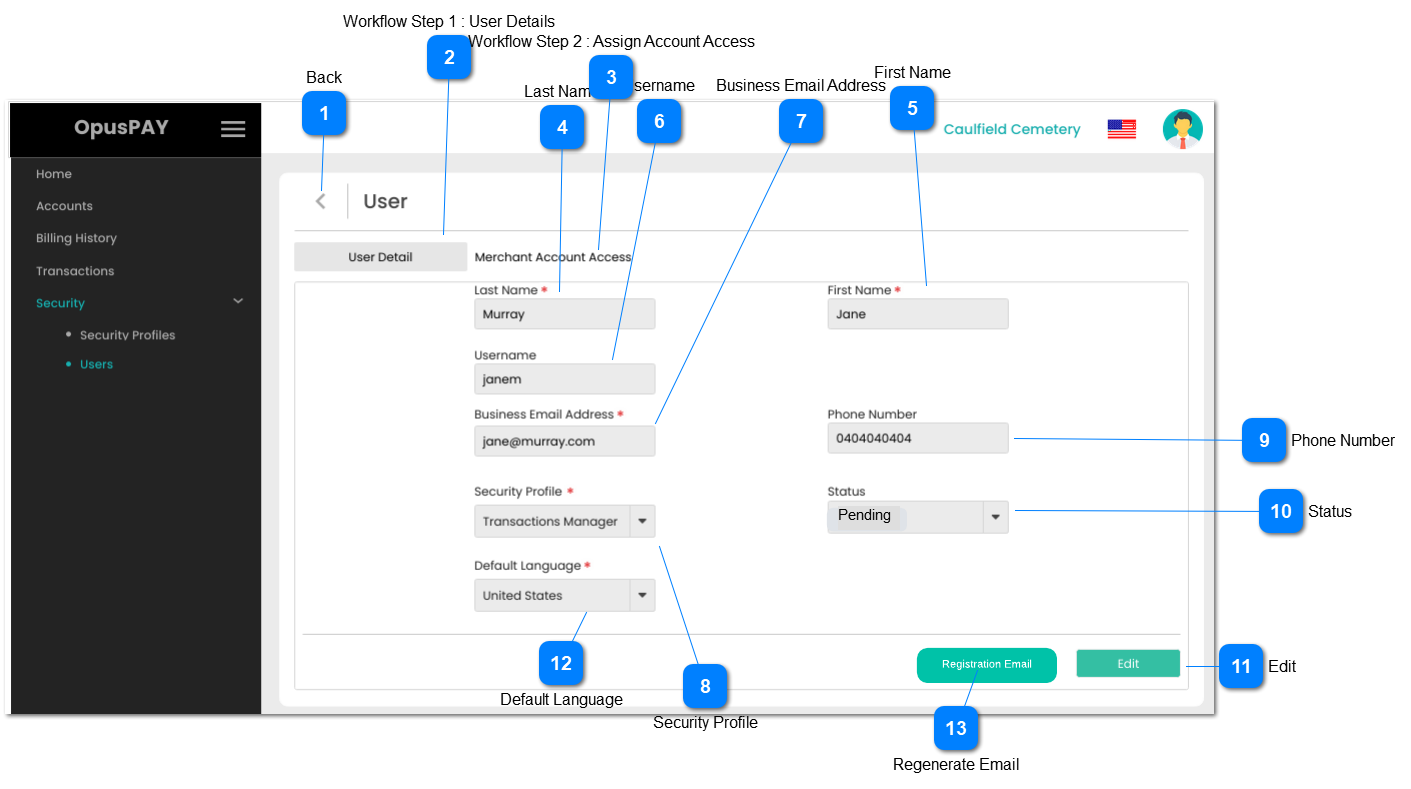
1. If the user is editing their own profile, navigate the user to the Edit User's Own Details screen. Refer to specifications for that screen here.
2. If the user is editing someone else's profile, navigate the user to the Edit User (Details) screen. Refer to the specification for that screen here.
Once the user is added, an email would be generated to given business email for further registration and it would be expired after 24 hours.
1. This button actively available for only pending users, for other status type users (Inactive/ Active) email button would not be displayed.
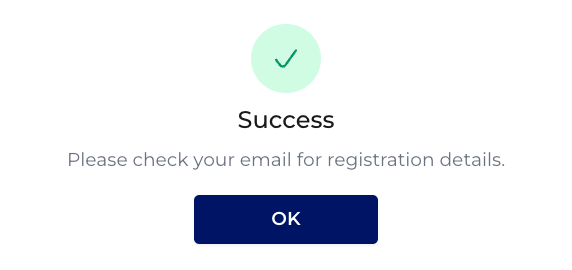
2. Once the user clicks on email button, an email would regenerate to the given business email address and informative message would display. The link in the email will expire in 24 hours.
2A. If the previously sent email is not expired, then it should be expired once the user regenerate a new email.