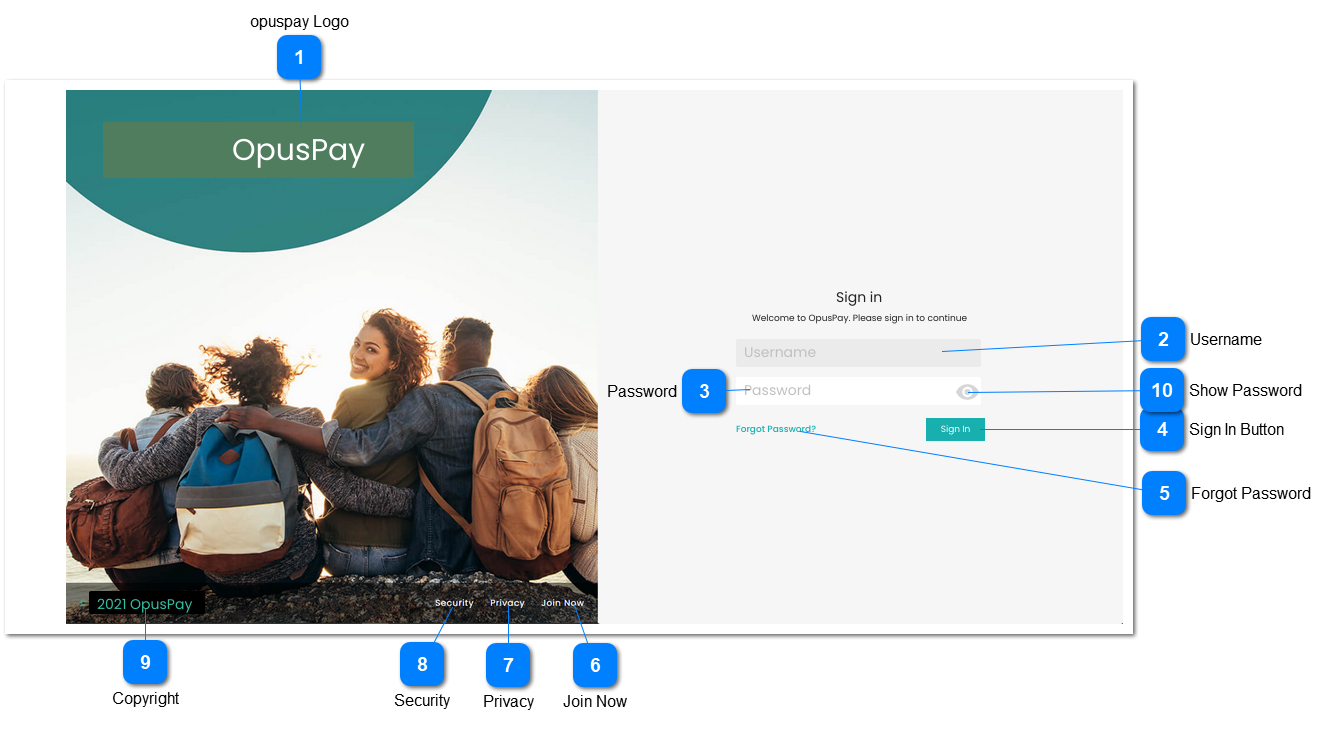
Sign in password entry screen for opuspay. Same sign in password page would be used for both Admin and Merchant portals. This screen will function in the same way as the byondcloud Sign in password screen.
1. Searches database for matching password for user.
2. If password matches AND this is Sign In for the Admin Portal, display Admin Portal Home screen. Refer to the specification of that screen here.
3. If password matches AND this is Sign In for the Merchant Portal, display Merchant Portal Home screen. Refer to the specification of that screen here.
4. Display an inline error message in red text below password field If password is blank or invalid.