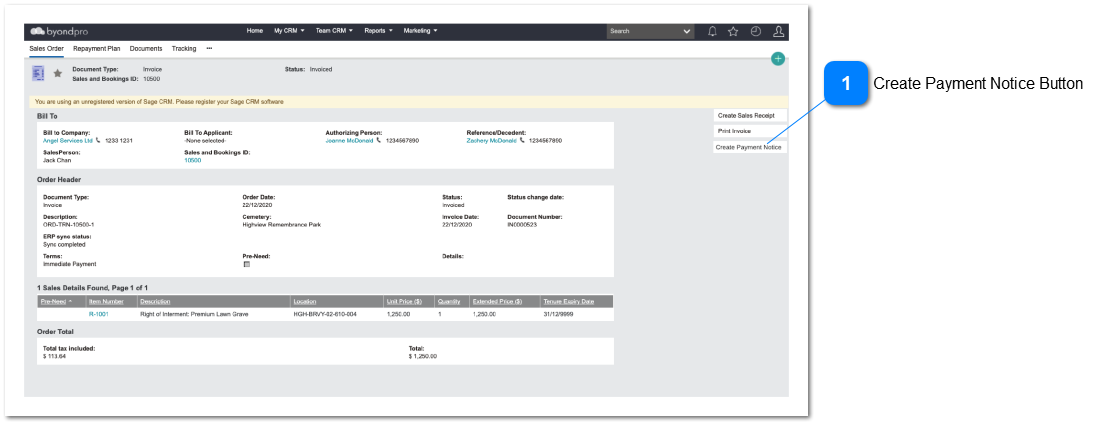
Used for the creation of a payment notice for a card not present payment transaction. A payment notice will result in the creation of a Sales Receipt if the payment is successful.
Create Payment Notice Button
For creating a payment notice on the current Sales Order
Type
Notes
Rules
Compulsory
Format
Edit
Size
Default
Error Message
Button
Only activate this button if the byondpro customer has registered with opuspay
Only activate this button if the Site is linked to an Active Merchant account.
Only activate this button if there is a Receipt Type linked to the opuspay "Online Payment" payment method.
Only activate this button if the user has access rights to the function